High-quality AI image generation

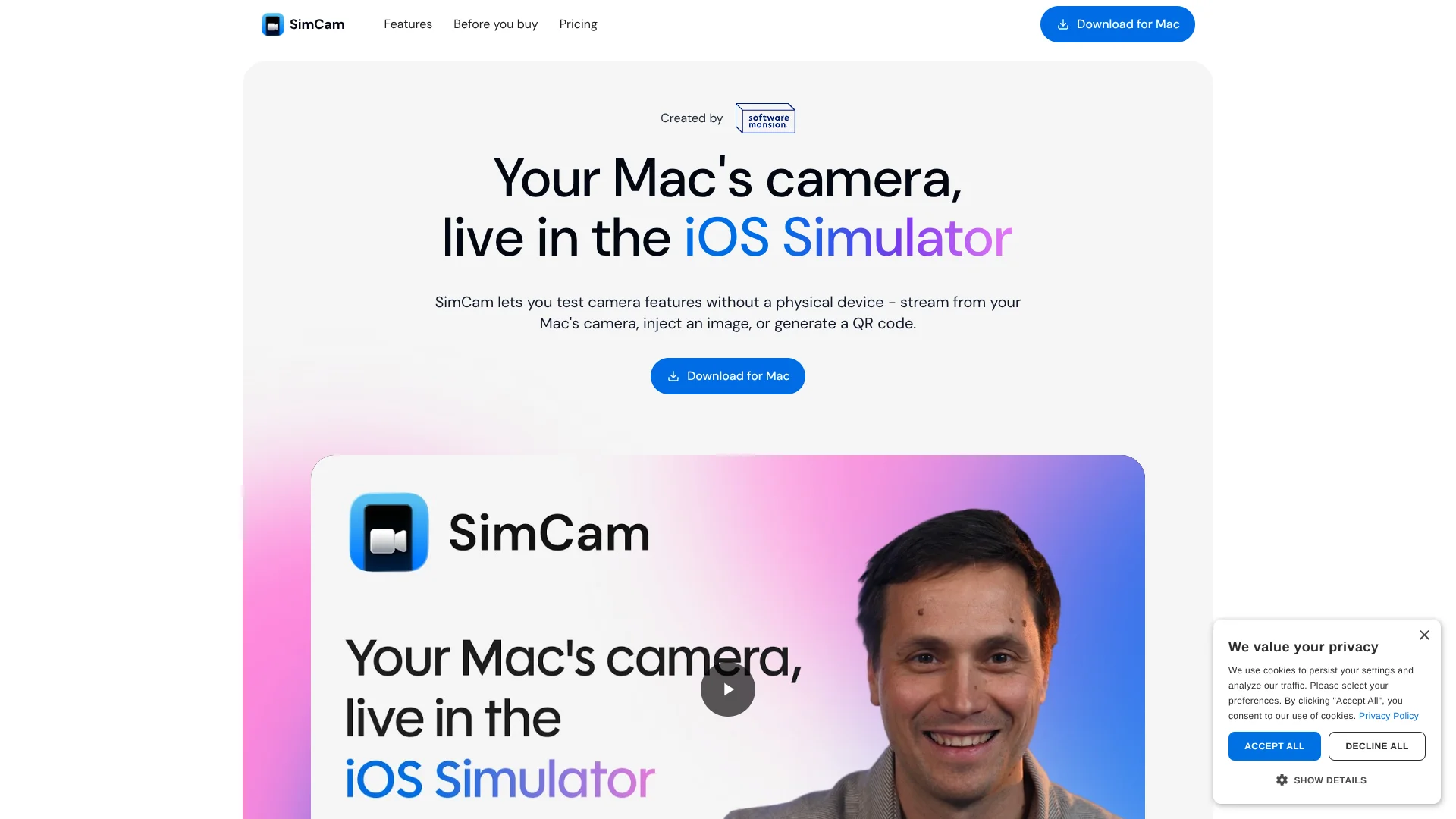
SimCam is a macOS tool that brings a live, controllable camera feed into the iOS Simulator. It registers as a virtual
Pricing
Freemium
Category
AI Automation
Platforms
Web
Languages
EN, CN
Highlights
SimCam is a macOS tool that brings a live, controllable camera feed into the iOS Simulator. It registers as a virtual
High-quality AI image generation
Multiple artistic styles support
Customizable output parameters
Overview
SimCam is a macOS tool that brings a live, controllable camera feed into the iOS Simulator. It registers as a virtual camera that iOS apps see through standard AVFoundation APIs, so most camera code runs unmodified. Developers can stream from the Mac’s own camera, inject static images or videos, or pipe in QR codes, and they can drive all of this programmatically through a CLI, which makes it very friendly for automation and AI agent workflows.
What is SimCam? SimCam is a macOS tool that brings a live, controllable camera feed into the iOS Simulator. It registers as a virtual camera that iOS apps see through standard AVFoundation APIs, so most camera code runs unmodified. Developers can stream from the Mac’s own camera, inject static images or videos, or pipe in QR codes, and they can drive all of this programmatically through a CLI, which makes it very friendly for automation and AI agent workflows. Key Features: Virtual camera inside the iOS Simulator: Registers as a system-level camera, including front and back views, so simulator builds can be tested as if they were on real hardware. Multiple source types: Switch between the Mac’s camera, image files, video clips, and generated QR codes to cover anything from login flows to credit card or barcode scanning. QR code generation and injection: Create QR codes from strings or tokens and inject them directly into the camera feed, removing the need to point a phone at a monitor. CLI for automation and AI agents: The simcamctl command lets scripts and AI agents change sources, generate QR codes, and read diagnostics without human clicks. Pros No hardware juggling: Removes the need for a stack of test iPhones or awkward scanning of codes from screens during development.
Key Features
High-quality AI image generation
Multiple artistic styles support
Customizable output parameters
Image editing and enhancement
Batch processing capabilities
Screenshots
FAQ
Common questions
Use Cases
User Reviews
What users say
No approved reviews yet.
Alternatives to SimCam
View allRecruiterflow
Freemium
Recruiterflow helps teams work faster with AI-assisted workflows. Recruiterflow is an all-in-one recruiting platform designed to streamline and simplify the entire hiring process. With Recruiterflow, businesses can easily source, track, and manage candidates from start to finish. The platform offers a customizable dashboard that allows recruiters to keep a close eye on their recruitment processes, from job postings to the final interview stage. Recruiterflow also offers capable candidate search
Kvantum
Freemium
Kvantum helps teams work faster with AI-assisted workflows. Kvantum is a capable marketing automation platform that helps businesses drive meaningful customer engagement and increase revenue. It offers a suite of marketing solutions, including personalization, segmentation, and analytics. With Kvantum, businesses can easily create personalized experiences for their customers, analyze customer data to gain valuable insights, and track the performance of their campaigns. Kvantum’s intuitive interf
Extracta.ai
Ready to try SimCam?
Open the official SimCam website to verify latest features, plans, and product updates.
Freemium
Extracta.ai helps teams work faster with AI-assisted workflows. Extracta.ai is a leading solution for extracting data from any unstructured document effortlessly. This state-of-the-art platform eliminates the complex...