High-quality AI image generation

Copilot for Microsoft 365 is a transformative AI tool designed to integrate seamlessly with the Microsoft 365 suite,
Pricing
Freemium
Category
AI Data
Platforms
Web
Languages
EN, CN
Highlights
Copilot for Microsoft 365 is a transformative AI tool designed to integrate seamlessly with the Microsoft 365 suite,
High-quality AI image generation
Multiple artistic styles support
Customizable output parameters
Overview
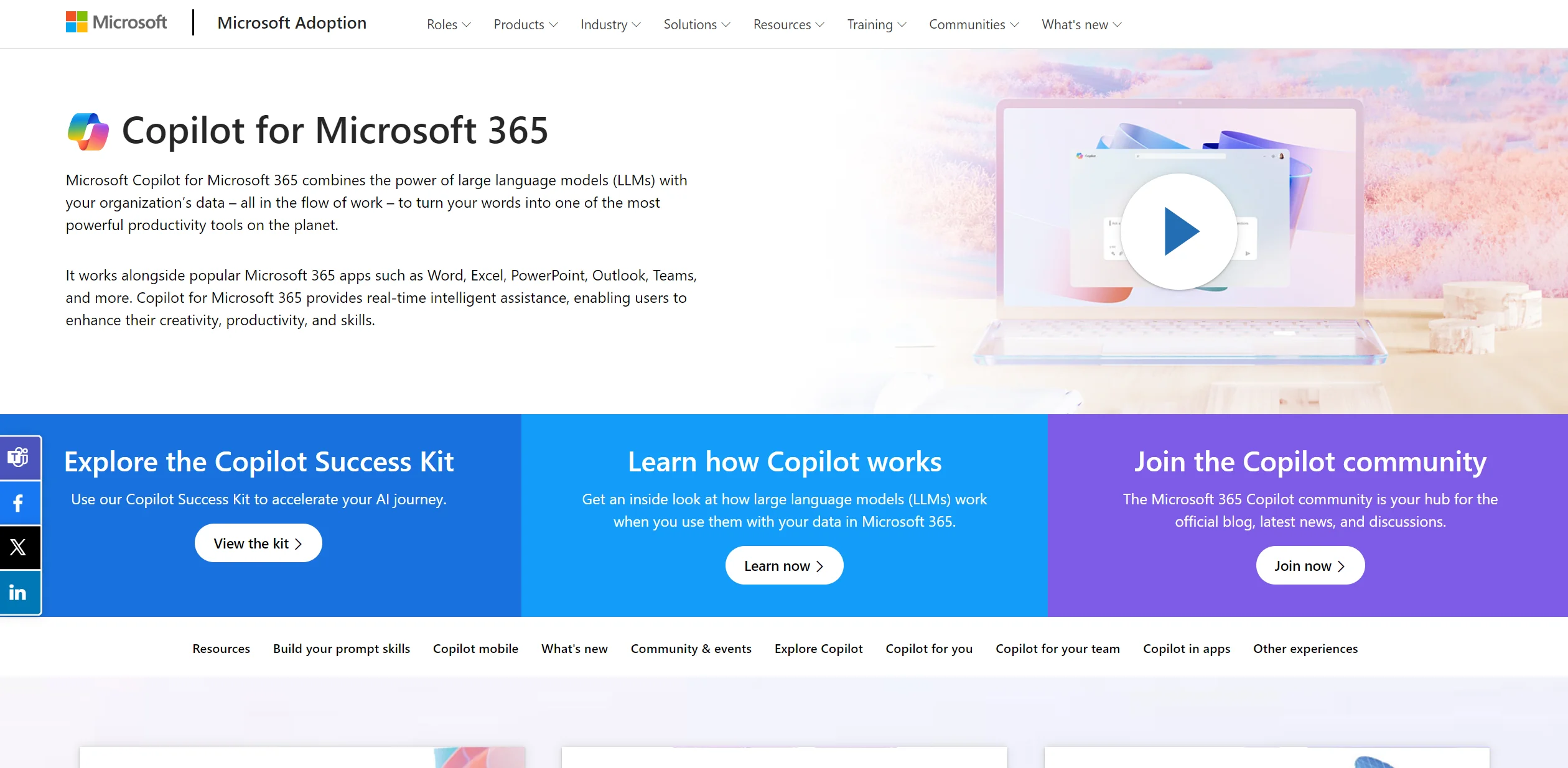
Copilot for Microsoft 365 is a transformative AI tool designed to integrate seamlessly with the Microsoft 365 suite, including applications like Word, Excel, PowerPoint, Outlook, and Teams. Its core functionality revolves around utilizing large language models (LLMs) to enhance productivity, creativity, and efficiency within an organizational setting. By analyzing and leveraging your organization's data, Copilot for Microsoft 365 turns everyday words into capable actions, streamlining workflows and automating tasks directly within the familiar Microsoft environment.
What is Copilot for Microsoft 365? Copilot for Microsoft 365 is a transformative AI tool designed to integrate seamlessly with the Microsoft 365 suite, including applications like Word, Excel, PowerPoint, Outlook, and Teams. Its core functionality revolves around utilizing large language models (LLMs) to enhance productivity, creativity, and efficiency within an organizational setting. By analyzing and leveraging your organization's data, Copilot for Microsoft 365 turns everyday words into capable actions, streamlining workflows and automating tasks directly within the familiar Microsoft environment. MICROSOFT CopilotTransform Your Office Apps with Al Online Course - Learn how to use Microsoft 365 Copilot Pro in Word, Excel, PowerPoint, and more, step by step ⭐4. 5 Rating⏳0. 5 Hours🎓7 Lessons📑Downloadable ResourcesStart Your Free TrialKey Features: Real-Time Assistance: Provides instant suggestions and content generation, enhancing workflow efficiency. Integration with Microsoft 365 Apps: Works cohesively with Word, Excel, PowerPoint, Outlook, and Teams. Intelligent Automation: Automates repetitive tasks and processes, saving valuable time. Customizability: Offers adaptable features and plugins to meet specific organizational needs. Pros Enhanced Productivity: Significantly reduces the time required for document creation and data analysis.
Key Features
High-quality AI image generation
Multiple artistic styles support
Customizable output parameters
Image editing and enhancement
Batch processing capabilities
Screenshots
FAQ
Common questions
Use Cases
User Reviews
What users say
No approved reviews yet.
Alternatives to Copilot for Microsoft 365
View allWonderflow
Freemium
Collect customer feedback, gain insights with advanced analytics, and customize platform to unique needs.
CrowdAI
Free
Automate data collection and analysis, create custom models, and gain insights with interactive visualization dashboard.
Indie Logs
Freemium
Indie Logs helps teams work faster with AI-assisted workflows. Indie Logs offers a unique platform tailored for solopreneurs and bootstrapped founders looking to build a strong personal brand and share their entrepren...
Ready to try Copilot for Microsoft 365?
Open the official Copilot for Microsoft 365 website to verify latest features, plans, and product updates.
Inbox Zero
Freemium
Inbox Zero helps teams work faster with AI-assisted workflows. Unlock a clutter-free email experience with Inbox Zero, your ultimate solution to managing a bloated inbox swiftly and effectively. Designed to revolution...